
Most SaaS products lose their best-fit users not because the product is weak, but because the landing page makes starting feel like work. A well-crafted free trial landing page removes every unnecessary decision between a visitor and their first “yes.”
- Friction — not awareness — is the primary killer of free trial sign-ups; every extra field, vague headline, or slow load adds drop-off.
- Your hero copy must answer “what do I get and why now?” in under five seconds, without relying on jargon.
- Minimal sign-up forms (email only or two fields max) consistently outperform longer forms in SaaS conversion design.
- Trust signals — logos, review counts, and a plain-English privacy note — reduce anxiety at the exact moment a visitor is deciding to commit.
Why Most Free Trial Landing Pages Lose Conversions Before the Click
Friction is cumulative. A mildly confusing headline, a form asking for a phone number, a hero image that takes three seconds to load — none of these individually kills a conversion, but together they create an exit. Research consistently shows that the fewer cognitive decisions a visitor has to make, the higher the probability they complete the desired action.
For a SaaS landing page, the unique challenge is that you are asking someone to invest time — not money — in an unknown product. That means your page must answer three questions before the scroll: What is this? What will I get? Why should I start now? If your current hero section cannot answer all three in under ten words of headline copy, you have friction baked in from the top.
When building on the Canvas HTML Template, you have access to pre-built section patterns specifically suited to this kind of focused conversion layout — removing the need to engineer trust and hierarchy from scratch.
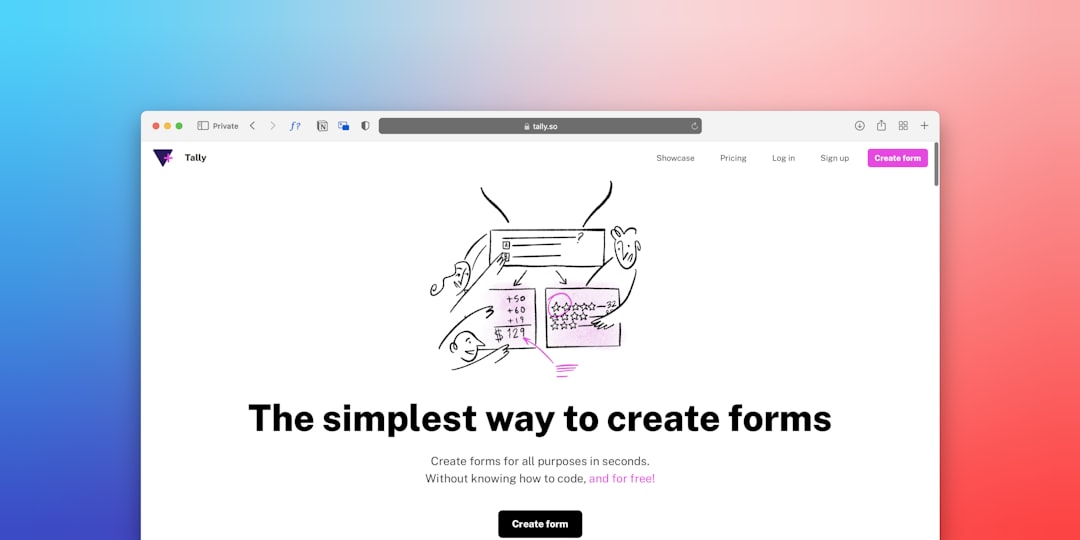
Hero Section Copy That Removes Doubt Instantly
Your headline is not a tagline. It is a promise. The most effective headlines on high-converting free trial landing pages follow a simple formula: [Outcome] for [Audience] — No [Common Objection].
Examples that work:
- “Automate your client reports in minutes — no spreadsheets required.”
- “Project management built for agencies — free for 14 days, no card needed.”
- “Send better email campaigns. Start free. Cancel anytime.”
Beneath the headline, a single subheading sentence should reinforce the primary benefit and defuse the top objection (usually cost or commitment). Then one primary CTA button — not two. Split-testing on SaaS pages in 2025 consistently shows that a single, high-contrast CTA outperforms dual-option layouts on first-time visit pages.
For your CTA button label, use outcome language over action language: “Start My Free Trial” outperforms “Sign Up” because it frames the click as a gain, not a task.
Above-the-Fold Layout and Visual Hierarchy
Visual hierarchy on a conversion design-focused page is not about looking impressive — it is about controlling where the eye moves. The optimal above-the-fold structure for a free trial page is a two-column Bootstrap grid: headline, subheading, and CTA on the left; a product screenshot or short explainer visual on the right.
<section class="py-5 bg-light">
  <div class="container">
    <div class="row align-items-center g-5">
      <div class="col-lg-6">
        <h1 class="display-5 fw-bold">Automate your client reports in minutes</h1>
        <p class="lead text-muted mt-3">No spreadsheets. No setup fee. Free for 14 days.</p>
        <a href="/signup" class="btn btn-primary btn-lg mt-4">Start My Free Trial</a>
        <p class="small text-muted mt-2">No credit card required.</p>
      </div>
      <div class="col-lg-6">
        <img src="product-screenshot.png" alt="Dashboard preview" class="img-fluid rounded shadow">
      </div>
    </div>
  </div>
</section>
Notice the “No credit card required” micro-copy directly under the button — this single line is one of the highest-ROI additions you can make to any SaaS landing page. It answers the unspoken objection at the exact moment of hesitation. For a deeper look at how section patterns layer together to build persuasive page flows, the guide on Canvas Template Section Patterns: Building Pages Like a Pro covers this in practical detail. You should also review the Canvas HTML Template header types guide to choose the right sticky or transparent header that complements your hero without competing with it.
The Sign-Up Form: Fewer Fields, Higher Conversion
Every additional field in your sign-up form costs conversions. Studies across SaaS sign-up flows show that moving from a five-field form to a two-field form (email + password) can lift completions by 20–40%. Moving to a single email field — with password set post-signup — can push that further.
The principle is simple: only ask for what you absolutely need to activate the account. Everything else — company name, team size, role — belongs inside the onboarding flow, after the user has already committed.
<form class="mt-4" action="/signup" method="POST">
  <div class="mb-3">
    <label for="email" class="form-label fw-semibold">Work email</label>
    <input
      type="email"
      class="form-control form-control-lg"
      id="email"
      name="email"
      placeholder="you@company.com"
      required
    >
  </div>
  <button type="submit" class="btn btn-primary btn-lg w-100">
    Start My Free Trial
  </button>
  <p class="text-muted small text-center mt-2">
    No credit card required. Cancel anytime.
  </p>
</form>
If your product requires OAuth (Google or Microsoft login), offer that as the primary option above the email field — it removes the password friction entirely and typically achieves the highest completion rates of any sign-up flow in 2025.
Trust Signals and Social Proof That Do the Heavy Lifting
A visitor who does not know your product needs a reason to believe it is worth their time before they commit. Trust signals placed immediately below the hero — not buried in a footer — accelerate that belief formation.
The three highest-impact trust elements for a free trial landing page are:
- Customer logo bar — five to eight recognisable brand logos beneath your hero. Even if your clients are not household names, logos signal legitimacy and scale.
- Aggregate review score — a G2 or Capterra star rating with a review count (“4.8 / 5 from 1,200+ reviews”) is more persuasive than individual quotes at this stage of the funnel.
- Plain-English privacy assurance — “We never sell your data” near the sign-up form directly addresses the subconscious concern most visitors have about handing over an email address.
Feature highlight cards work well in the section immediately below trust signals, giving the visitor a concrete answer to “but what does it actually do?” For card component patterns you can drop straight into a Canvas-based layout, see 8 Bootstrap 5 Card Components You Should Be Using Right Now — several of the icon-top card variants are ideal for SaaS feature grids.
Page Speed and Mobile Design for SaaS Sign-Up Rates
A Google Core Web Vitals audit of high-converting SaaS pages in 2025 shows a consistent pattern: pages that load above-the-fold content in under 1.5 seconds have materially higher trial start rates than those crossing 2.5 seconds. For a free trial landing page where paid traffic is likely involved, every 100ms of loading delay is money lost.
Practical speed wins that require no back-end work:
- Serve hero images as WebP with explicit
widthandheightattributes to eliminate layout shift (CLS). - Load third-party scripts (chat widgets, analytics) with
deferorasyncso they do not block first render. - Use the CSS Box Shadow Generator to produce lean, single-declaration shadows rather than stacking multiple box-shadow values that add paint complexity.
On mobile, the two-column hero grid must collapse to a single column with the CTA button full-width and placed directly below the headline — not after a long paragraph. Test your sign-up form on a real device: auto-zoom on small inputs is a silent conversion killer that Bootstrap’s form-control-lg class prevents by keeping font size at or above 16px.
Canvas Builder generates responsive, conversion-ready section layouts that handle mobile breakpoints correctly out of the box, so you can focus on copy and testing rather than debugging media queries.
Frequently Asked Questions
How long should a free trial landing page be?
Long enough to answer every objection, short enough that the CTA is never more than one scroll away. For most SaaS products, a well-structured page of four to six sections — hero, trust bar, feature highlights, pricing or plan comparison, and a repeated CTA — hits the right balance. Avoid adding sections for the sake of length; every section should resolve a specific objection or reinforce a specific benefit.
Should I include pricing on my free trial landing page?
Yes, in most cases. Hiding pricing increases friction and attracts lower-intent sign-ups who churn when they see the price post-trial. A simple pricing summary — “Free for 14 days, then from $X/month” — sets expectations clearly and pre-qualifies leads. If your pricing is complex, link to a dedicated pricing table rather than leaving it out entirely.
What is the ideal number of fields in a SaaS sign-up form?
One to two fields for the initial sign-up step. Email only is the gold standard for top-of-funnel conversion. If your product requires a password at sign-up, use email plus password — and consider offering a “Sign up with Google” OAuth option as the primary CTA to reduce typed input entirely.
Where should the CTA button appear on a free trial landing page?
Above the fold (in the hero), at the end of the feature section, and at the bottom of the page. Repeating the CTA at logical decision points — rather than only at the top — captures visitors who need more information before committing. Each CTA instance can use slightly varied copy (“Start Free Trial” / “Get Started Free” / “Try It Free for 14 Days”) to match the context of that section.
How do I reduce sign-up abandonment after the click?
The biggest causes of post-click abandonment are: too many form fields, mandatory phone number input, no progress indication on multi-step flows, and page errors on mobile. Fix these in order. Additionally, if your sign-up leads to a multi-step onboarding wizard, show a progress bar (“Step 1 of 3”) so users know how much effort remains — this alone measurably reduces drop-off at each stage.
Building a free trial landing page that converts is a discipline of subtraction: remove every word, field, and element that does not actively move the visitor toward signing up. Try Canvas Builder free to generate a fully structured, conversion-ready SaaS landing page layout in minutes — then apply the copy and design principles above to make it work harder from day one.
Build it by describing it
Canvas Builder turns a plain-English description into a complete, responsive website in minutes, then hands you the clean Bootstrap 5 HTML to host anywhere.