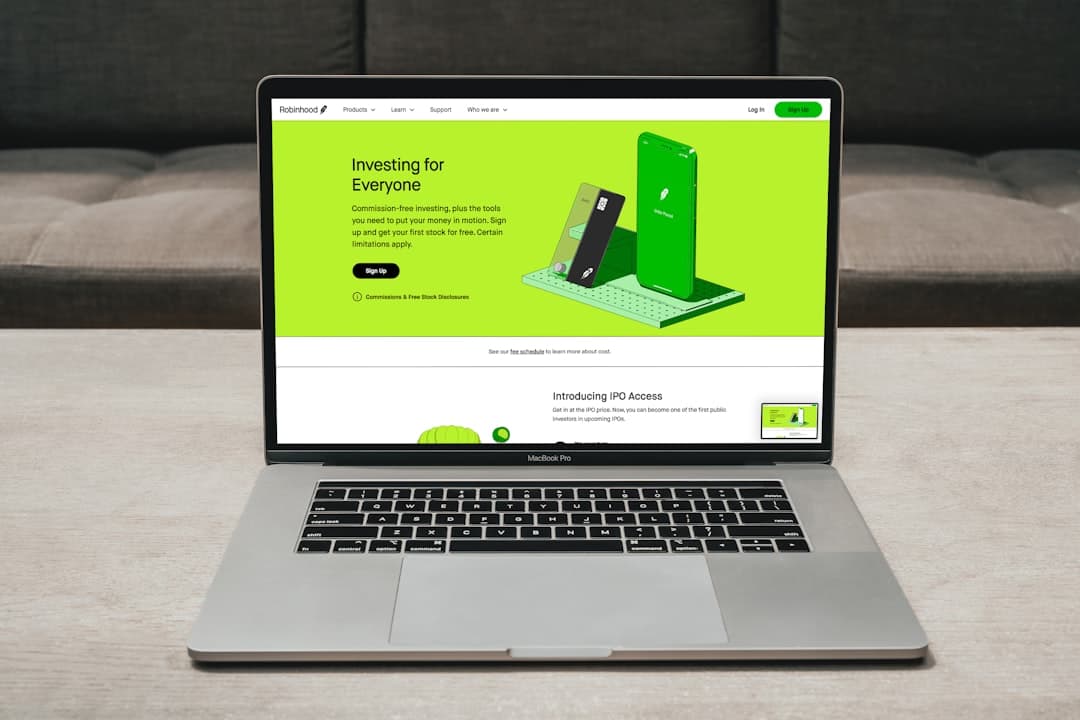
Most micro-SaaS products fail to convert not because the software is bad, but because the website signals the wrong things at exactly the wrong moment. If your micro-SaaS website design contains even three of the mistakes below, you are quietly haemorrhaging trial sign-ups every single day.
- A cluttered hero section kills conversions faster than slow page speed — clarity beats cleverness every time on a developer tool landing page.
- Weak or missing social proof is one of the most common SaaS website mistakes — even early-stage products can fix this with targeted testimonials and usage numbers.
- Pricing page friction (hidden tiers, unclear feature comparisons) is a silent revenue killer for micro-SaaS founders.
- Bootstrap 5 layout patterns and the Canvas HTML Template give you a fast, reliable structural foundation — but design decisions still determine whether visitors stay or leave.
Mistake 1: A Vague Hero Headline That Explains Nothing
The single most damaging pattern in micro-SaaS website design is a hero headline that sounds impressive but communicates nothing specific. Phrases like “Supercharge Your Workflow” or “The Future of Productivity” tell a visitor nothing about what the product does, who it is for, or why they should care. Visitors decide within seconds whether to stay, and a generic headline gives them no reason to.
Your headline needs to answer three questions immediately: what the product does, who it helps, and what outcome it delivers. A formula that works reliably in 2025 is: [Outcome] for [Audience] without [Pain Point]. For example: “Automated invoice reconciliation for freelance developers — no spreadsheets required.”
On a Bootstrap 5 layout, the hero structure should keep the headline prominent and the sub-copy concise. Here is a clean, copy-pasteable example using Bootstrap utility classes:
<section class="py-5 bg-light">
  <div class="container">
    <div class="row align-items-center">
      <div class="col-lg-6">
        <h1 class="display-5 fw-bold mb-3">
          Automated invoice reconciliation for freelance developers
        </h1>
        <p class="lead text-muted mb-4">
          Connect your bank, sync your invoices, and close your books in under 5 minutes. No spreadsheets required.
        </p>
        <a href="/signup" class="btn btn-primary btn-lg me-2">Start free trial</a>
        <a href="#demo" class="btn btn-outline-secondary btn-lg">Watch demo</a>
      </div>
      <div class="col-lg-6">
        <img src="assets/hero-screenshot.png" alt="App dashboard preview" class="img-fluid rounded shadow">
      </div>
    </div>
  </div>
</section>
For a deeper look at how Bootstrap 5 layout patterns support this kind of structure, the Bootstrap 5 Complete Guide for Web Designers covers the grid and component system in full.
Mistake 2: Missing or Misplaced Social Proof
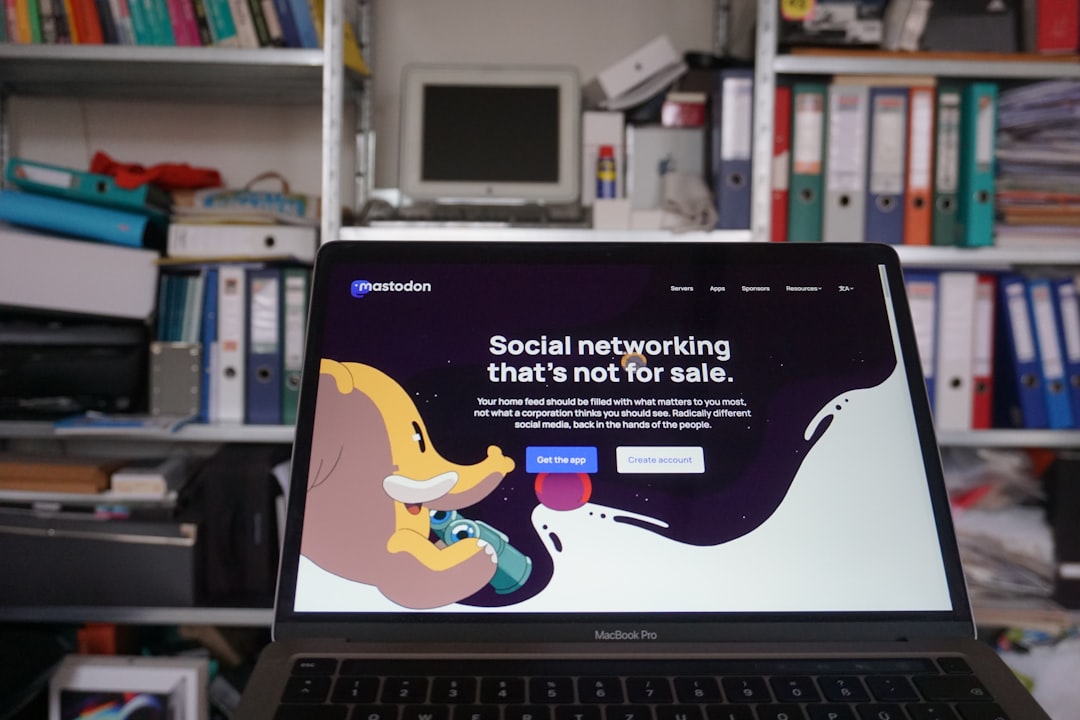
One of the most consistent SaaS website mistakes is treating social proof as an afterthought — burying testimonials at the bottom of the page or skipping them entirely because the product is early-stage. Both approaches lose trust at the moment visitors need it most.
Social proof belongs directly below the hero on a developer tool landing page. Even if you only have five users, a quote from one satisfied customer alongside the number of active accounts creates a measurable lift in sign-up rate. Use a logo bar for recognisable company names, star ratings for credibility, and specific outcome-driven quotes rather than generic praise.
Canvas HTML Template includes pre-built testimonial and logo grid components that slot cleanly into a block_section layout. Pair them with Bootstrap’s grid to keep the proof section visually tight and responsive.
Mistake 3: Feature Sections That List Instead of Persuade
A wall of feature bullet points is not a value proposition — it is a specification sheet. Visitors do not care what your product has; they care what it does for them. Converting a feature list into a benefit-led section is one of the highest-leverage changes you can make to a micro-SaaS website design.
Structure each feature block around a single outcome. Lead with the benefit in bold, follow with one sentence of explanation, and support it with a small screenshot or icon. Three columns of three is a reliable grid pattern for this:
<section class="py-5">
  <div class="container">
    <div class="row g-4">
      <div class="col-md-4">
        <div class="p-4 border rounded h-100">
          <h3 class="h5 fw-bold">Close your books in 5 minutes</h3>
          <p class="text-muted">Automatic bank sync matches transactions to invoices the moment they land.</p>
        </div>
      </div>
      <div class="col-md-4">
        <div class="p-4 border rounded h-100">
          <h3 class="h5 fw-bold">Never chase a late payment again</h3>
          <p class="text-muted">Smart reminders send at the right time without you lifting a finger.</p>
        </div>
      </div>
      <div class="col-md-4">
        <div class="p-4 border rounded h-100">
          <h3 class="h5 fw-bold">Tax-ready reports on demand</h3>
          <p class="text-muted">Export categorised summaries your accountant can use immediately.</p>
        </div>
      </div>
    </div>
  </div>
</section>
Mistake 4: Pricing Page Friction That Kills Decisions
Micro-SaaS pricing pages fail in predictable ways: too many tiers, hidden feature comparisons, no indication of which plan fits which user type, and CTAs that say “Contact us” when visitors expect “Start free.” Each of these introduces friction at the moment a visitor is closest to converting.
For most micro-SaaS products, two to three pricing tiers with a clear recommended option is the optimum structure. Use a visual highlight (a border, a badge, a background colour change using --cnvs-themecolor) to draw attention to your most popular plan. The Canvas Pricing Tables post covers specific design patterns that improve conversion on this exact page type.
Apply the Canvas theme colour variable to your highlighted plan card so it stays consistent across the entire site:
.pricing-card--featured {
  border: 2px solid var(--cnvs-themecolor);
  box-shadow: 0 4px 24px rgba(var(--cnvs-themecolor-rgb), 0.15);
}
Mistake 5: Weak CTA Design and Placement
A surprising number of developer tool landing pages bury their primary call to action, use low-contrast button colours, or rely on passive copy like “Learn more” when the intent should be “Start free trial.” CTA design is not decoration — it is the moment your page either earns a user or loses one.
Every major section of a micro-SaaS page should contain a contextually relevant CTA. The hero gets the primary sign-up. The features section gets a secondary “See how it works.” The pricing section gets a tier-specific “Get started.” Place CTAs where the visitor’s decision momentum is highest — immediately after a persuasive claim, not after a long block of text.
For a thorough breakdown of what makes buttons perform, the CTA Button Design: Science-Backed Tips That Drive Clicks post covers contrast ratios, copy patterns, and placement strategy in depth.
Mistake 6: Ignoring Visual Hierarchy in Typography
Developers building their own micro-SaaS sites often underestimate how much typographic hierarchy affects perceived quality and readability. When every text element is the same size and weight, the eye has nowhere to go. This creates cognitive friction that makes visitors feel the product is unpolished — regardless of how good the software actually is.
On a Canvas-based layout, use Bootstrap 5’s display classes (display-4, display-5) for hero headlines, h2 or h3 for section titles, and text-muted for supporting copy. Control the primary and secondary typefaces through Canvas’s CSS variables:
:root {
  --cnvs-primary-font: 'Inter', sans-serif;
  --cnvs-secondary-font: 'JetBrains Mono', monospace;
}
This keeps your developer-oriented audience engaged with a clean, technical aesthetic while maintaining the readability hierarchy that guides visitors toward conversion. The Canvas pricing tables guide also demonstrates how typography hierarchy applies directly to high-stakes conversion sections.
Mistake 7: No Product Screenshot or Interactive Demo
Telling visitors what your micro-SaaS does is not the same as showing them. A page with no screenshots, no video demo, and no interactive preview forces the visitor to take your word for it — and most will not. This is especially damaging for developer tool landing pages, where the target audience tends to be sceptical and evidence-driven.
At minimum, include a single high-resolution product screenshot above the fold. A short screen recording (under 90 seconds) embedded with a native <video> element or a lightweight iframe performs significantly better than a text-only page. If your product has a meaningful interactive element, consider a sandboxed demo that visitors can explore without signing up — this removes the largest objection to trial sign-up entirely.
For ideas on how visual-first layouts are evolving in 2025 and 2026, the post on Top 10 Web Design Trends for HTML Templates in 2026 outlines the patterns shaping product site expectations right now.
Frequently Asked Questions
What is the most important page on a micro-SaaS website?
The landing page — specifically the hero section — has the greatest impact on whether a visitor converts or leaves. It is the first impression, the value proposition delivery, and the primary CTA placement all in one. Getting this page right before optimising anything else will produce the largest return.
How many pricing tiers should a micro-SaaS website show?
Two to three tiers is the optimal range for most micro-SaaS products. More than three creates decision paralysis. If you have a free plan, count it as one tier and highlight the paid tier that delivers the most value to your target user. Always make the recommended plan visually distinct.
Do I need social proof if my SaaS product is brand new?
Yes — but it looks different at early stage. If you have no customers yet, use beta tester feedback, founder credibility signals, or a “used by X developers in private beta” counter. Even one genuine, outcome-specific quote from a real user is more persuasive than a blank section.
Is Bootstrap 5 a good choice for a developer tool landing page?
Bootstrap 5 is an excellent foundation for a developer tool landing page in 2025. It is well-documented, widely understood, and produces responsive layouts quickly. The Canvas HTML Template builds on Bootstrap 5 and adds a library of pre-built components — pricing tables, feature grids, testimonials — that are specifically suited to SaaS site structures.
How do Canvas CSS variables help with micro-SaaS website design consistency?
Canvas CSS variables like --cnvs-themecolor, --cnvs-primary-font, and --cnvs-header-bg let you define your brand’s visual identity in one place and have it propagate across every component automatically. This means your pricing card highlight, your CTA button colour, and your header background all stay in sync without overriding individual component styles manually.
If you’re working with the Canvas HTML Template and want to generate production-ready layouts faster, try Canvas Builder free and see how much time you save on every project.
Build it by describing it
Canvas Builder turns a plain-English description into a complete, responsive website in minutes, then hands you the clean Bootstrap 5 HTML to host anywhere.