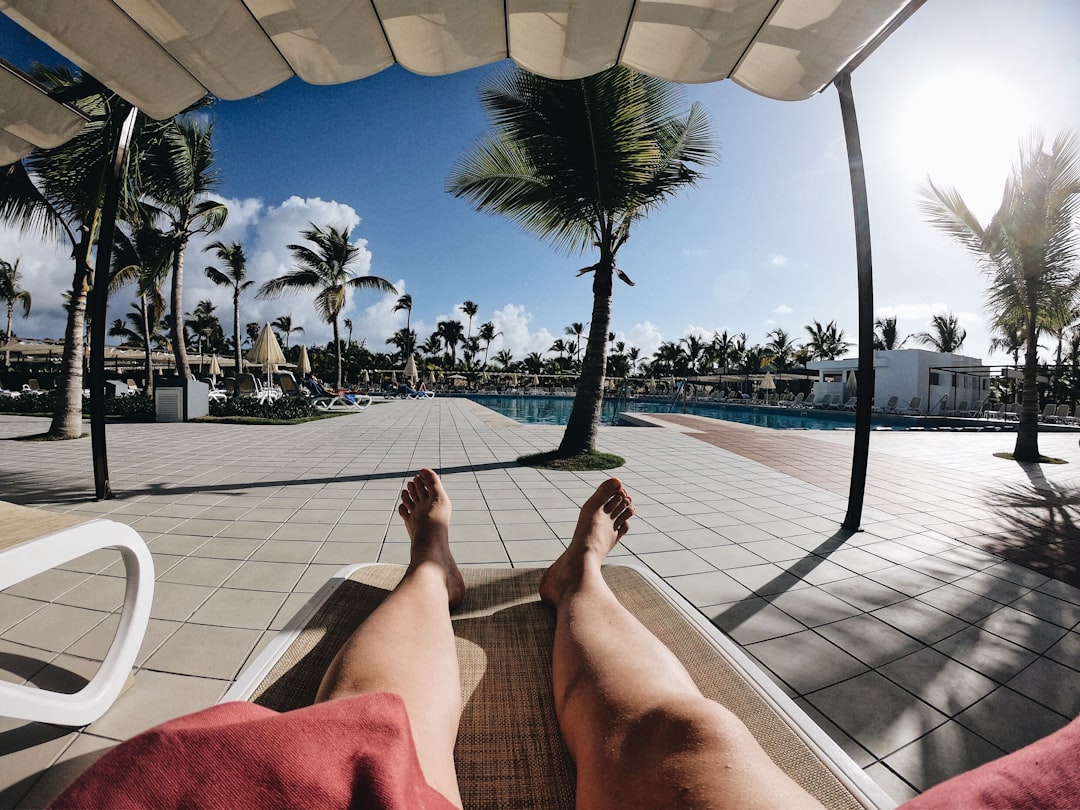
Every booking you send through Airbnb or Vrbo costs you a platform fee, limits your guest relationship, and leaves your brand invisible. Building a vacation rental direct booking website solves all three problems at once, and in 2025 the tools to do it properly are more accessible than ever.
- A direct booking site eliminates OTA commission fees (typically 3-5% host fees plus 14-16% guest service fees) and puts you in full control of pricing and guest communication.
- The Canvas HTML Template gives you a production-ready Bootstrap 5 foundation with the section types and layout components a vacation rental site needs out of the box.
- A converting direct booking page needs five core elements: a strong hero, a photo gallery, trust signals, an availability widget, and a clear call-to-action.
- Using CSS custom properties such as –cnvs-themecolor lets you brand the entire site consistently without touching framework source files.
Why Direct Booking Beats Platform Dependency in 2025
OTA platforms are powerful for discovery, but they are expensive and restrictive as a long-term channel. Airbnb’s combined host and guest fees regularly add 18-22% on top of your base rate. Beyond cost, you cannot collect guest emails, cannot retarget past visitors with ads, and cannot differentiate your property brand from the thousands of identical listing cards surrounding yours.
A dedicated direct booking site changes that dynamic entirely. You own the guest relationship from the first click. You can offer a best-rate guarantee to incentivise direct bookings, build an email list for repeat visitors, and present your property with full creative control over photography, copy, and layout. For hosts managing more than one property, the return on investment from a single well-designed site compounds with every booking.
If you want to understand how conversion-focused site architecture applies across different service businesses, the principles covered in How to Build a Restaurant Website With HTML translate directly to hospitality direct booking pages.
Choosing the Right HTML Foundation for a Rental Site
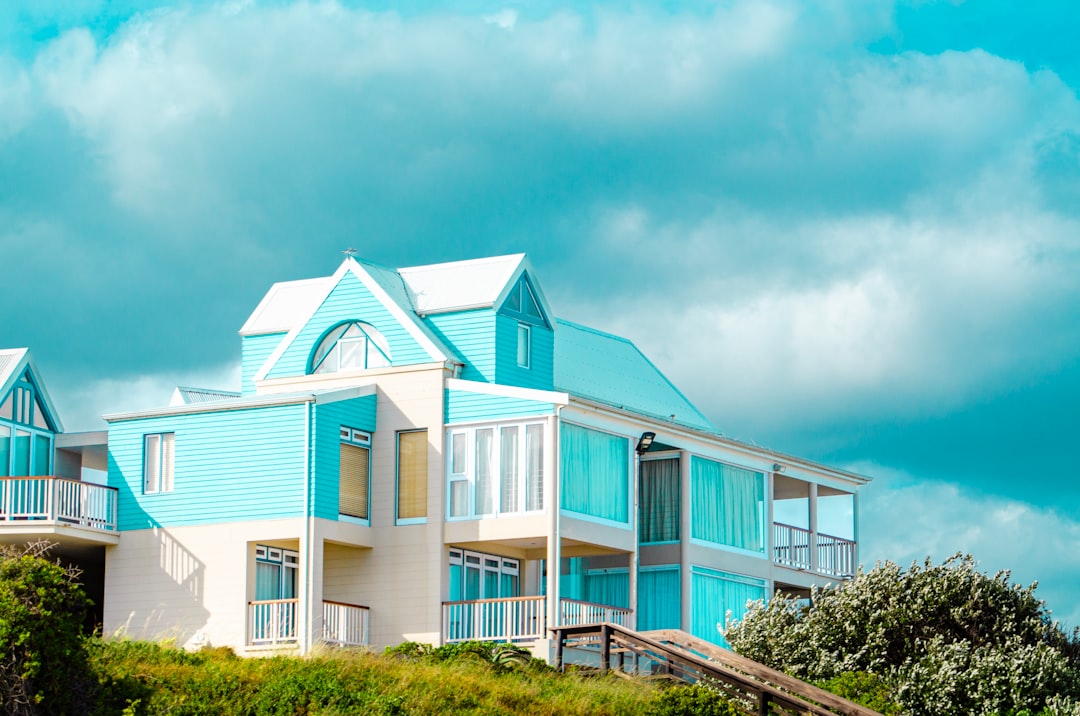
You have three realistic options: a landing page builder (Squarespace, Wix), a WordPress theme, or a custom HTML template. Each has a different trade-off between flexibility, speed, and long-term cost.
Landing page builders are fast to launch but cap your design freedom and add monthly subscription costs indefinitely. WordPress themes add CMS overhead that a single-property site rarely needs. A premium HTML template like Canvas sits in the middle: you get a polished, responsive starting point built on Bootstrap 5, full control over the output code, and a one-time purchase with no recurring platform fees.
Canvas is particularly well-suited here because its single_page section type lets you build a complete property page with header, hero, gallery, amenities, and booking widget as one scrolling experience, which is exactly how most successful vacation rental sites are structured. You can read a detailed breakdown of what each version of the template includes in Canvas HTML Template Lite vs Full Version.
The Core Page Structure Every Rental Site Needs
Regardless of your property type, a high-converting vacation rental page follows a predictable structure. Each section exists to answer a specific question the visitor has before they will commit to booking.
- Hero section – Full-width property photo with the property name, location, and a prominent “Check Availability” button.
- Photo gallery – Minimum 8-12 images covering interior, exterior, and key amenities. Lightbox support is essential.
- Property overview – Bedroom count, guest capacity, standout features. Lead with the three things that differentiate your property.
- Amenities list – Grid layout with icons. Guests scan this section, not read it.
- Location and map – Embed a map and list nearby attractions with approximate distances.
- Reviews and trust signals – Pull your best OTA reviews onto the page manually or via a widget. Star ratings, guest count, and any press mentions build confidence.
- Booking widget / contact form – The primary conversion point. Either embed a third-party tool (Lodgify, Hostaway, Smoobu) or link directly to your booking system.
Setting Up Your Canvas Template for a Rental Property
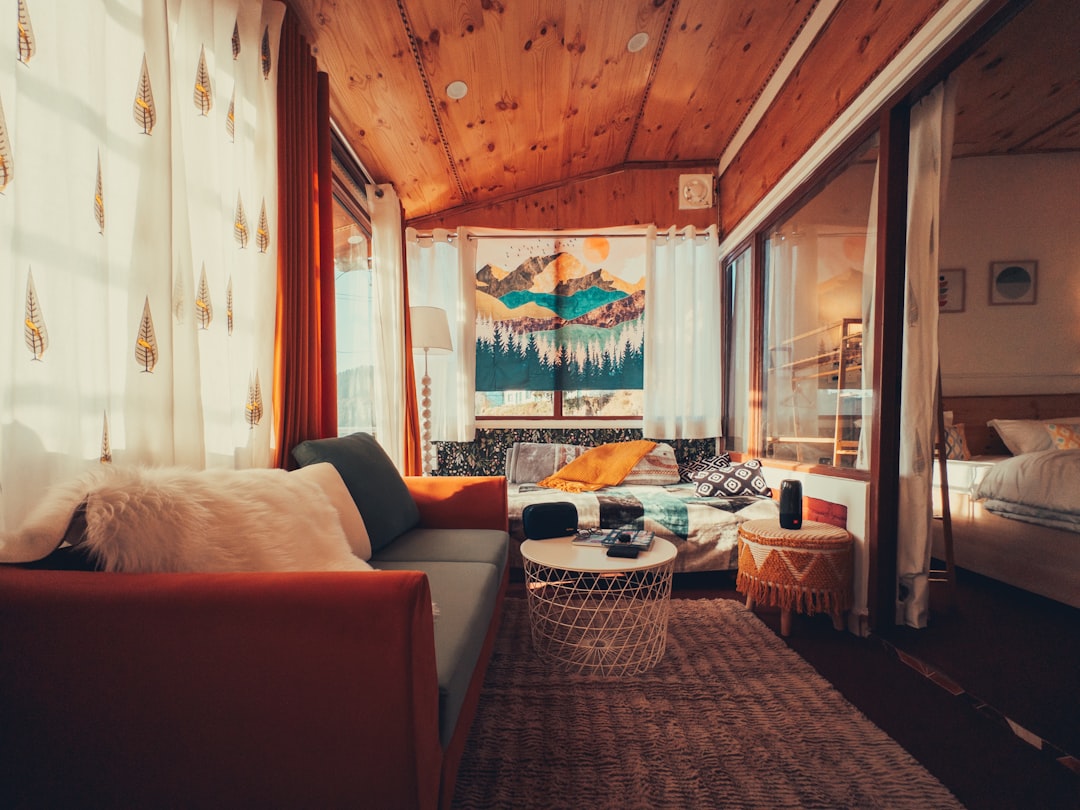
Once you have your Canvas files, the fastest path is to customise the single-page demo closest to your property type and replace content section by section. The key branding change is setting your theme colour and fonts via Canvas CSS variables in a custom stylesheet. Load this after style.css in your document head.
:root {
  --cnvs-themecolor: #2e7d5e;
  --cnvs-themecolor-rgb: 46, 125, 94;
  --cnvs-primary-font: 'Lato', sans-serif;
  --cnvs-secondary-font: 'Playfair Display', serif;
  --cnvs-logo-height: 52px;
  --cnvs-logo-height-sticky: 38px;
  --cnvs-header-bg: rgba(255, 255, 255, 0.95);
  --cnvs-header-sticky-bg: #ffffff;
}
A warm green palette works well for rural and coastal properties. For urban apartments, a neutral slate or charcoal reads as more contemporary. If you want structured guidance on selecting a palette that converts, Colour Theory for Web Designers covers the psychology behind hospitality-oriented colour choices.
For the hero section, Canvas’s full-screen section with an overlay and centred content is the right starting point. Here is a minimal working example using Canvas’s Bootstrap 5 grid and utility classes:
<section id="hero" class="vh-100 d-flex align-items-center"
style="background: url('images/property-hero.jpg') center/cover no-repeat;">
<div class="overlay" style="background: rgba(0,0,0,0.45); position:absolute; inset:0;"></div>
<div class="container position-relative text-center text-white">
<h1 class="display-4 fw-bold mb-2">Seacliff Cottage, Cornwall</h1>
<p class="lead mb-4">Sleeps 6 · Direct ocean views · Private hot tub</p>
<a href="#booking" class="btn btn-lg px-5 py-3"
style="background-color: var(--cnvs-themecolor); color:#fff; border:none;">
Check Availability
</a>
</div>
</section>Note that Canvas bundles Bootstrap 5 inside js/plugins.min.js and js/functions.bundle.js. Never load a separate Bootstrap CDN script alongside Canvas, as it will produce conflicts with Canvas’s initialised components.
Integrating a Booking Widget Without a Backend
You do not need to build a custom booking engine. The most practical approach in 2025 is to use a channel manager that generates an embeddable availability calendar and booking form. Lodgify, Smoobu, and Hostaway all offer iFrame or JavaScript embed codes that you paste into your Canvas page. These tools sync with Airbnb and Vrbo so you avoid double bookings while accepting reservations directly.
<section id="booking" class="py-6 bg-light">
  <div class="container">
    <div class="row justify-content-center">
      <div class="col-lg-8 text-center mb-4">
        <h2 class="h3">Book Direct and Save</h2>
        <p class="text-muted">No service fees. Best rate guaranteed when you book with us directly.</p>
      </div>
      <div class="col-lg-10">
        <!-- Replace the src below with your channel manager embed URL -->
        <iframe
          src="https://your-channel-manager.com/widget/PROPERTY_ID"
          width="100%"
          height="520"
          frameborder="0"
          allowfullscreen>
        </iframe>
      </div>
    </div>
  </div>
</section>
Place a “Book Direct and Save” value statement directly above the widget. Stating the benefit explicitly (no service fees, flexible cancellation, direct communication with the host) has a measurable effect on conversion rate for hospitality pages.
Building Trust Signals and SEO Into the Page
For a vacation rental direct booking site to work without OTA traffic, it needs two things: credibility for visitors who land on it and discoverability for visitors who have not heard of you yet.
On the trust side, include a reviews section pulling from your Airbnb or Google profile, a clear cancellation policy stated in plain language, and a host photo with a short bio. Guests booking direct are bypassing the platform’s dispute resolution layer, so removing doubt about who they are dealing with is essential.
On the SEO side, target location-specific long-tail keywords. Instead of “holiday cottage,” target “pet-friendly cottage Cornwall with hot tub sleeps 6.” Your page title, H1, meta description, and alt text on hero images should all reflect these specific phrases. Add Schema markup for LodgingBusiness to give search engines structured data about your property, which can produce rich results in Google Search.
<script type="application/ld+json">
{
  "@context": "https://schema.org",
  "@type": "LodgingBusiness",
  "name": "Seacliff Cottage",
  "description": "Pet-friendly holiday cottage in Cornwall sleeping 6, with private hot tub and direct ocean views.",
  "address": {
    "@type": "PostalAddress",
    "addressLocality": "Porthcurno",
    "addressRegion": "Cornwall",
    "addressCountry": "GB"
  },
  "starRating": {
    "@type": "Rating",
    "ratingValue": "5"
  },
  "url": "https://seacliffcottage.co.uk"
}
</script>
Combine this structured data with fast page load times. Canvas pages are static HTML, which means they load faster than equivalent WordPress builds without any additional optimisation, giving you a baseline performance advantage for Core Web Vitals.
Frequently Asked Questions
Do I need to leave Airbnb to have a direct booking website?
No. Most successful hosts run both in parallel. You keep your Airbnb listing for discovery and new guests while routing repeat guests and direct enquiries through your own site. A channel manager keeps calendars synchronised so you never double book.
Can I build a vacation rental site with the Canvas HTML Template if I have no coding experience?
Canvas requires basic HTML and CSS editing. If you are comfortable replacing text and images in a file and can follow structured documentation, you can build a working site. Canvas Builder speeds the process further by generating layout code from prompts, reducing the amount of manual HTML you need to write.
What booking system works best with a static HTML site?
Lodgify, Smoobu, and Hostaway all provide iFrame embeds that work on any HTML page without a backend. For payment processing without a booking platform, Stripe Checkout links are a lightweight option for deposit collection.
How do I handle availability calendars without a database?
Use a third-party channel manager widget. These services maintain the availability database on their servers and render the calendar via an embed code. You paste the embed into your Canvas page and it stays current automatically as bookings come in from any channel.
Is a single-page layout or a multi-page site better for vacation rental direct bookings?
For a single property, a single-page layout consistently outperforms multi-page sites because it reduces friction. Guests can scroll through photos, amenities, location, and the booking widget without navigating away. Multi-page structures work better when you are marketing three or more properties under one brand.
If you’re working with the Canvas HTML Template and want to generate production-ready layouts faster, try Canvas Builder free and see how much time you save on every project.